Working remotely from a small apartment creates a distinct psychological challenge: if your laptop is glowing from your dining table or kitchen island all evening, you never truly leave the office. You’re constantly glancing at Slack notifications while simmering pasta or watching a film.
The solution isn’t surrendering half your bedroom to a hulking corporate office desk. Instead, by leveraging a 90-degree corner with a bespoke triangular wedge or drop-leaf mechanism, you can establish an ergonomically sound cockpit that packs away into clean domestic architecture at quitting time.
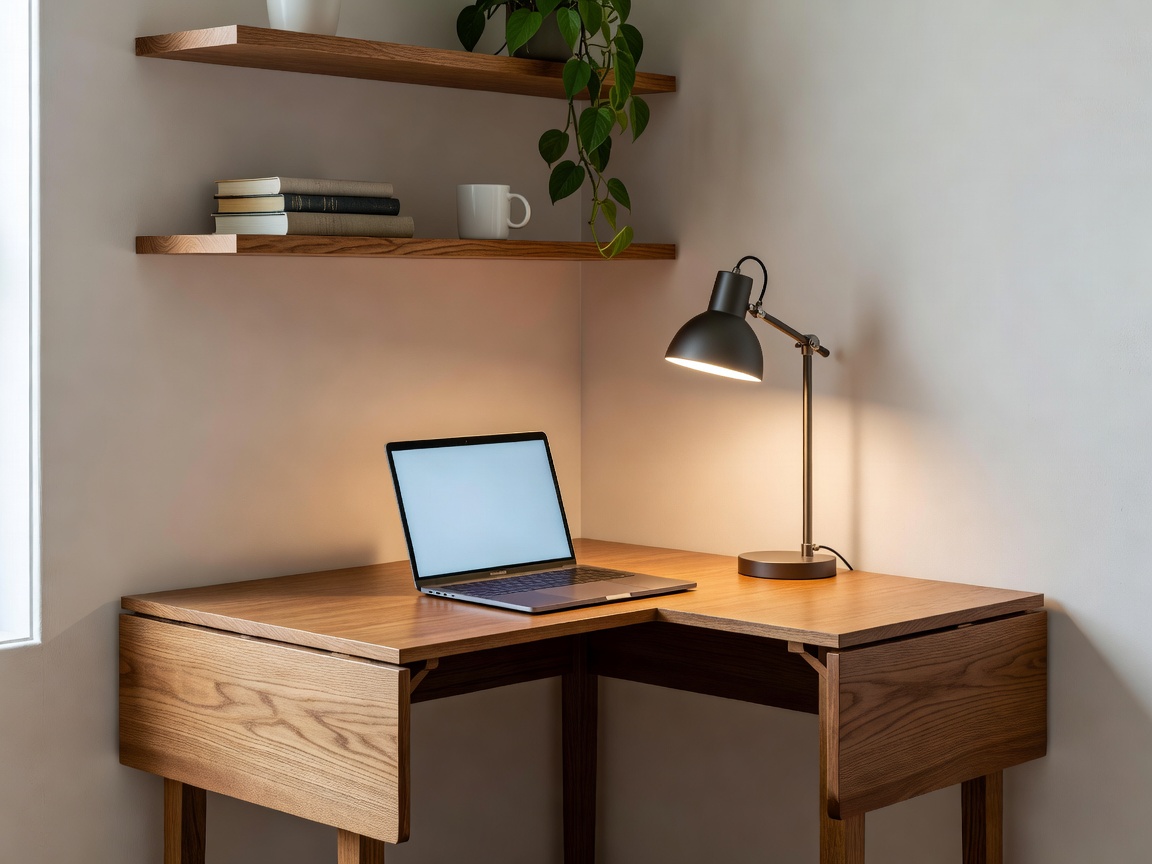
The Ergonomic Geometry of the Triangle Desk
A standard rectangular desk pushed into a corner leaves dead triangular pockets behind the monitor and traps your knees against adjacent walls. In contrast, a true diagonal wedge desk places the user facing directly into the intersection apex.
This orientation provides unexpected biomechanical advantages: both forearms can rest comfortably along the flared wings of the desktop, taking strain off your trapezius muscles without demanding bulky chair armrests that don't tuck under the desk.
| Desk Type | Wall Footprint | Surface Area | Tuck-Away Capability |
|---|---|---|---|
| Fixed Triangular Wedge | 80 cm × 80 cm along walls | 0.32 m² (High depth) | Chair rolls completely under |
| Wall-Mounted Drop-Leaf | 75 cm × 75 cm folded open | 0.28 m² | Folds flat against wall (8cm depth) |
| Corner Secretary Cabinet | 85 cm × 85 cm base | 0.38 m² interior | Doors close shut over monitors completely |
Managing the Cable Nest
Nothing shatters the serene vibe of a warm organic room quicker than a rat's nest of black power cords, transformer bricks, and monitor cables spilling across the floor. In a corner, however, cable concealment is remarkably straightforward.
Pros & Cons of Corner Workstations
Pros
- Visual separation of work equipment from primary living zones.
- Dual-wall support allows sturdy load bearing with minimal leg interference.
- Monitors tuck deeply into the corner apex, preserving healthy focal distance.
Cons
- Dual-monitor ultrawide setups (>34 inches) can feel restrictive.
- Requires careful swivel chair selection so wheels don’t strike baseboards.
- You face a wall during work calls, requiring an attractive background behind you.
The Evening Concealment Ritual
The final piece of the corner desk puzzle is behavioural. When work concludes, having a tactile ritual helps trigger the transition to leisure. Whether that means swinging a fabric acoustic divider screen shut, closing cabinet tambour doors, or merely draping a textured linen throw over the monitor, shielding the screen from sight allows your compact home to feel like a sanctuary once again.